Configuration
Setup WiFi network
Here is a simple example network from the manuals:
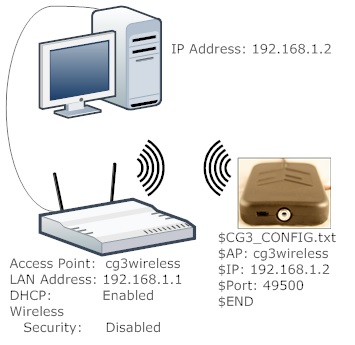
Example network configuration
The WiFi-network’s name and the static IP address of the computer need to be written to the flash card of the CyberGlove. In this module, the default port is 5200, but it can be changed in the glove.py module.
Setup Flash Card
Example:
$CG3_CONFIG.txt
$AP: cg3wireless
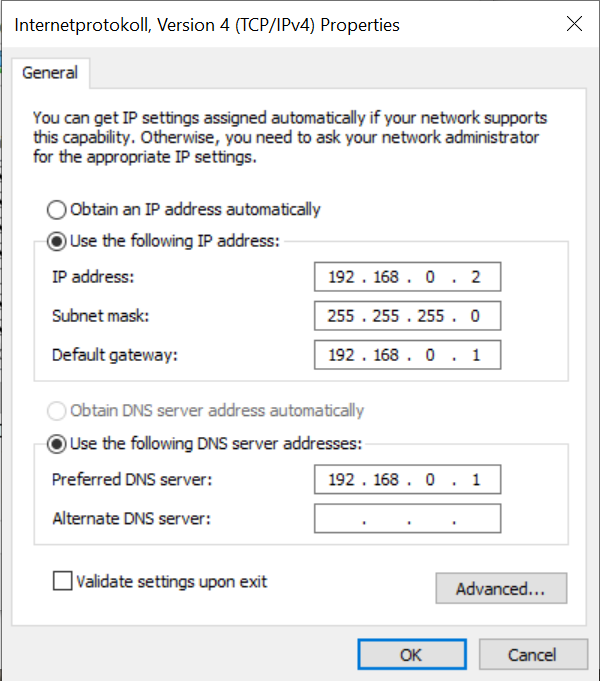
$IP: 192.168.0.2
$PORT: 5200
$END
The $IP field must be filled with the static IP address of the computer, the $PORT field with the opened port of the PC.
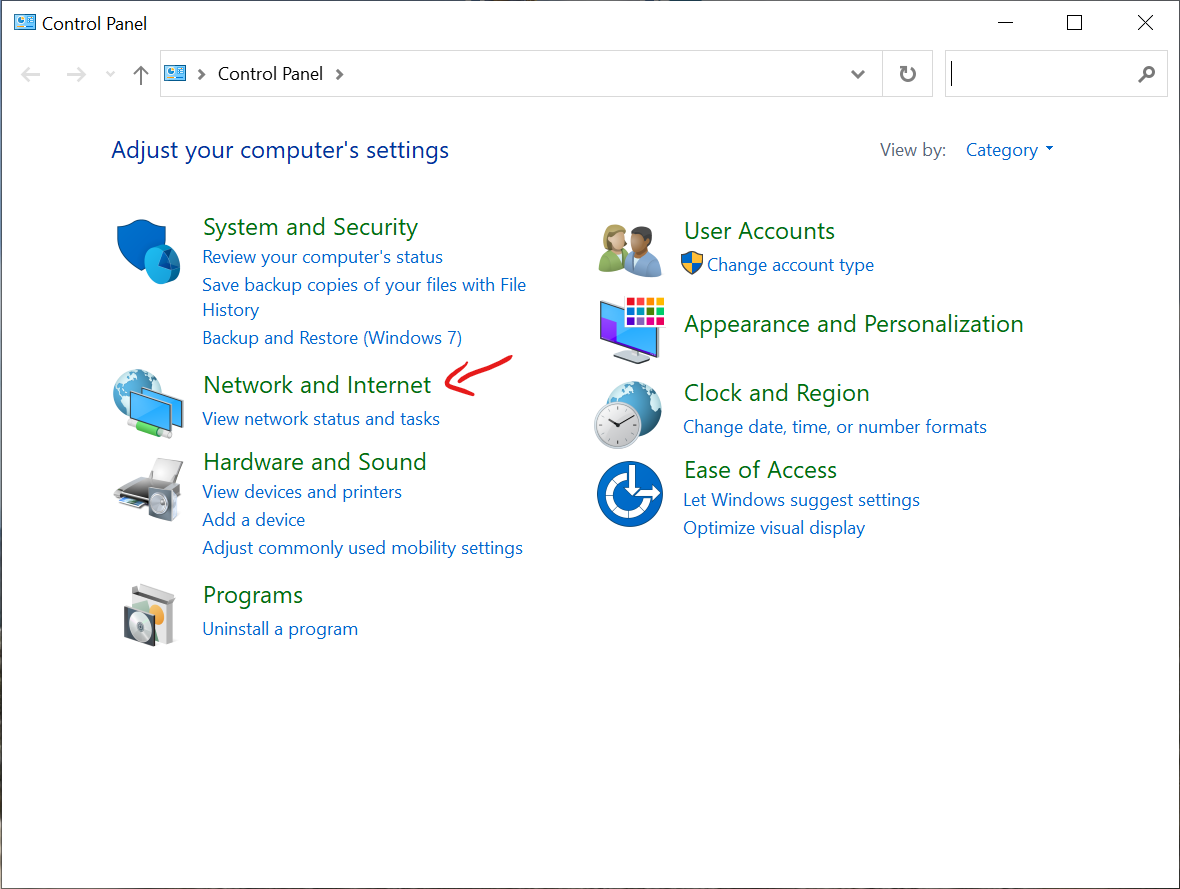
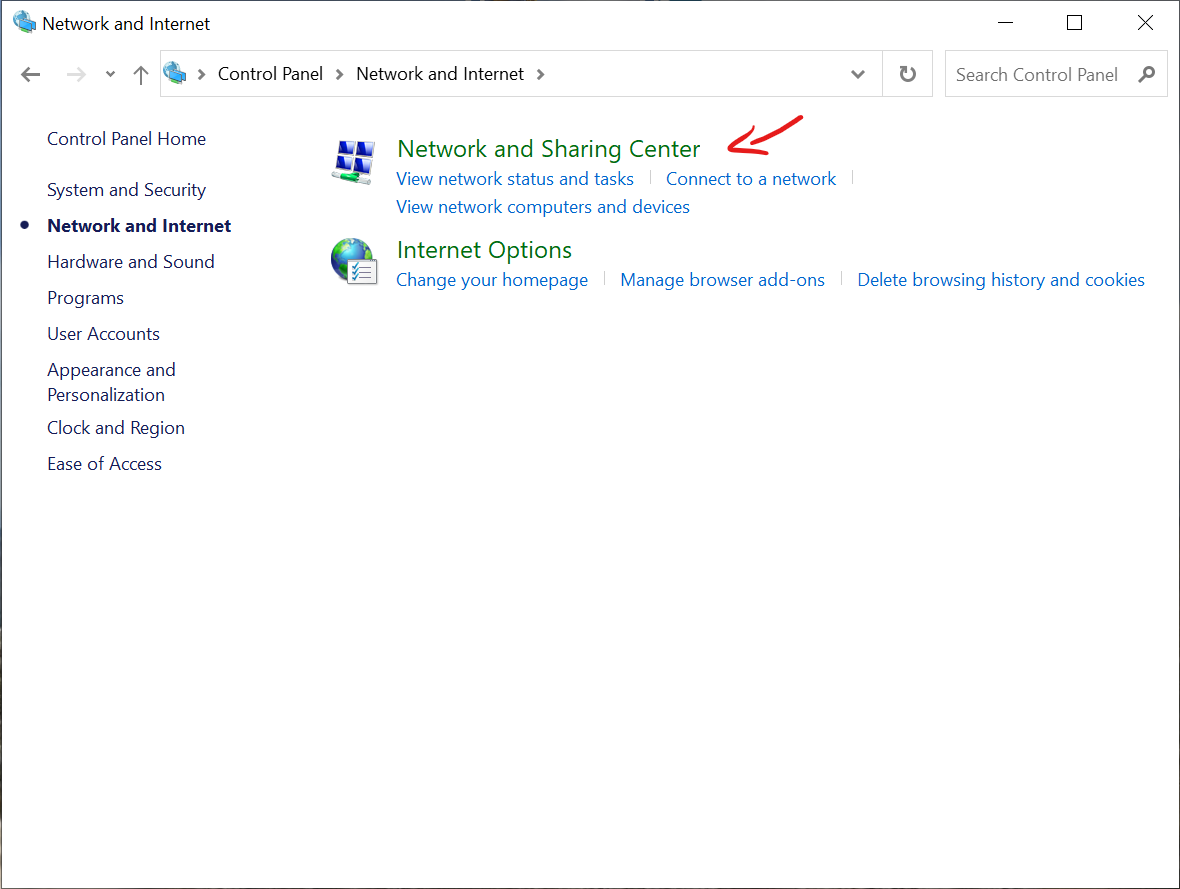
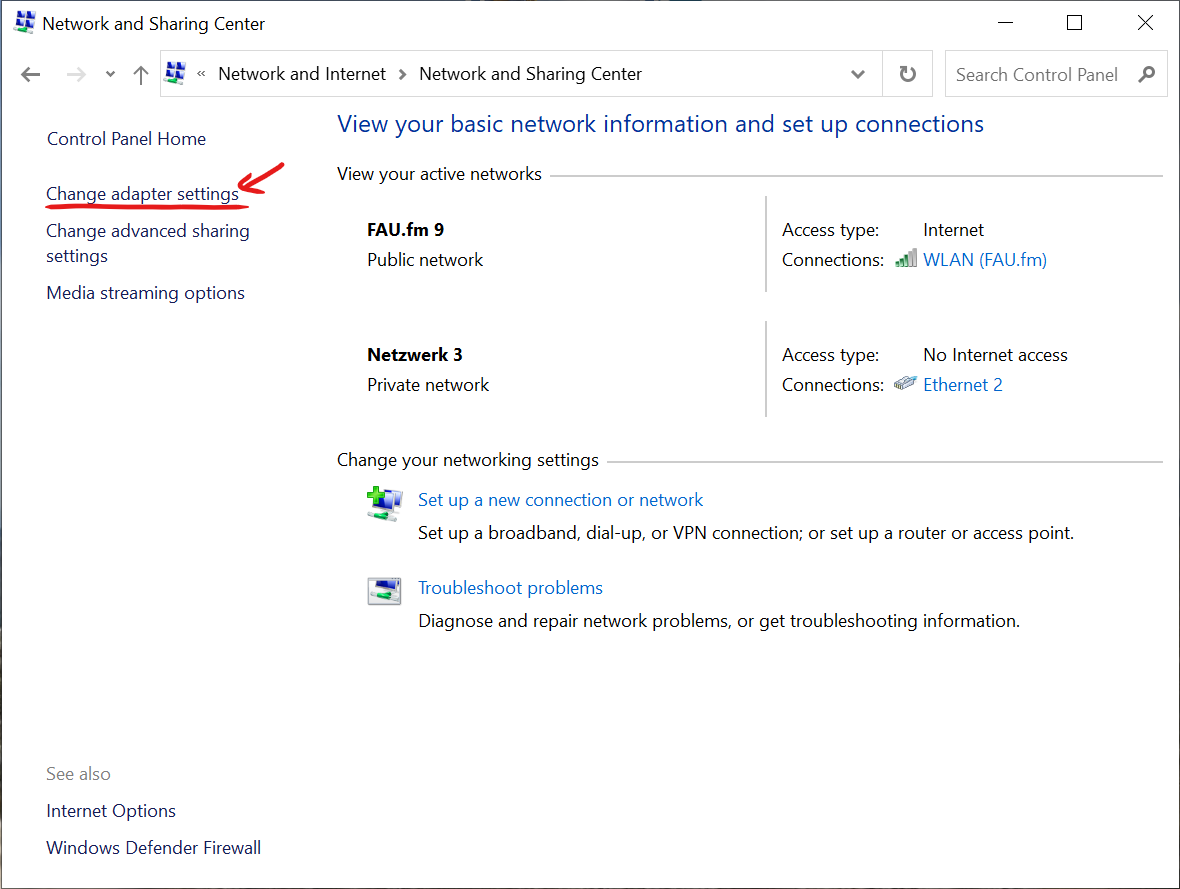
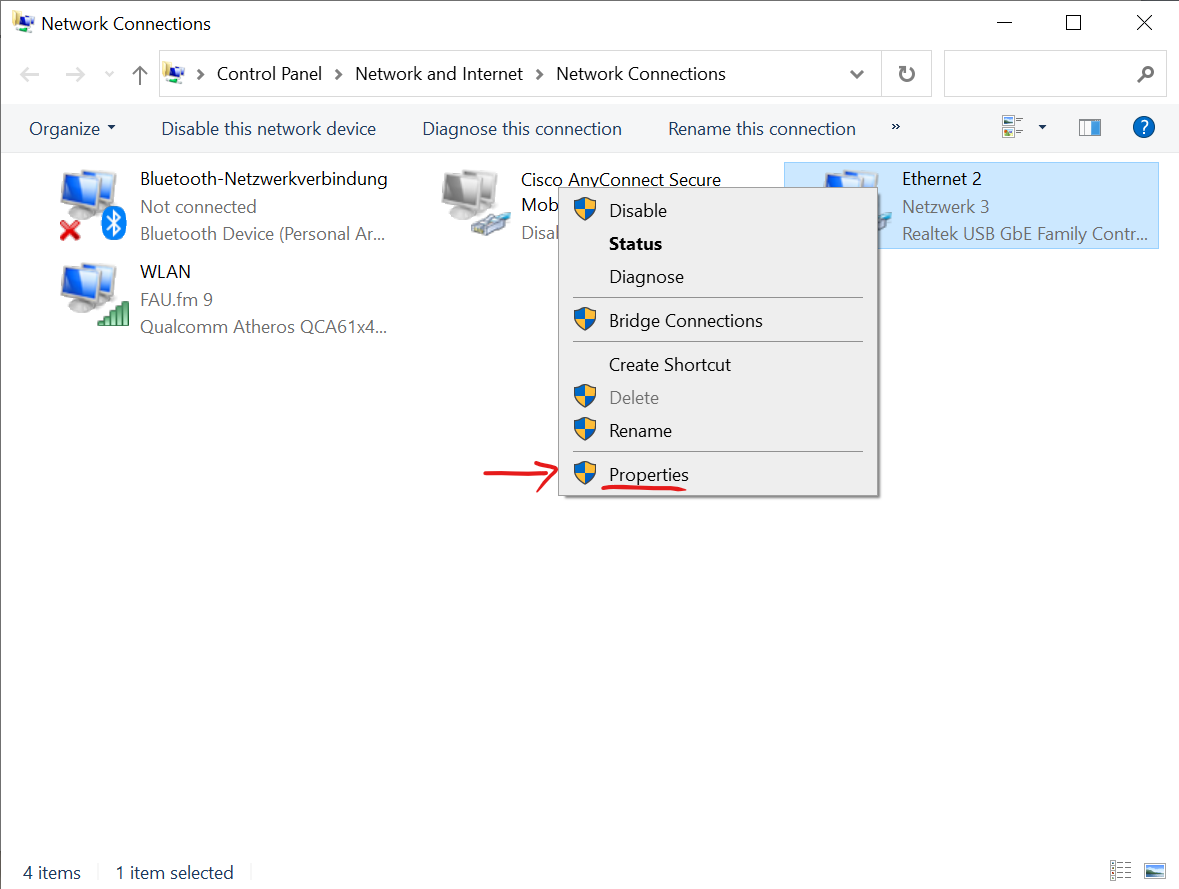
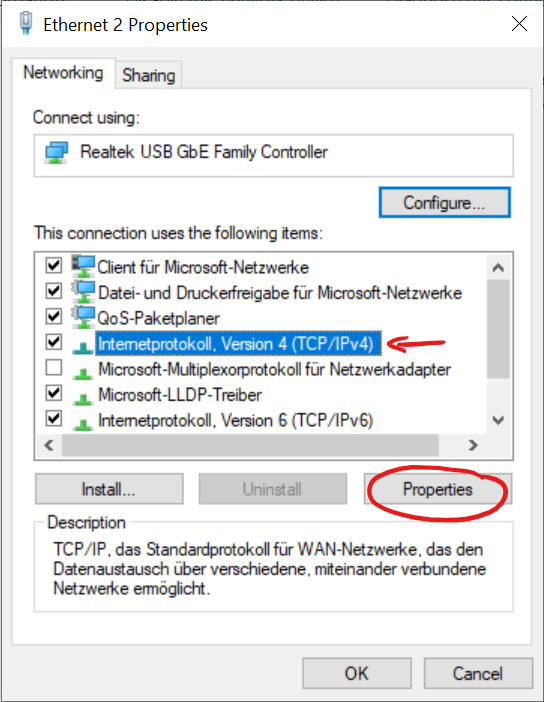
Setup static IP address of computer